
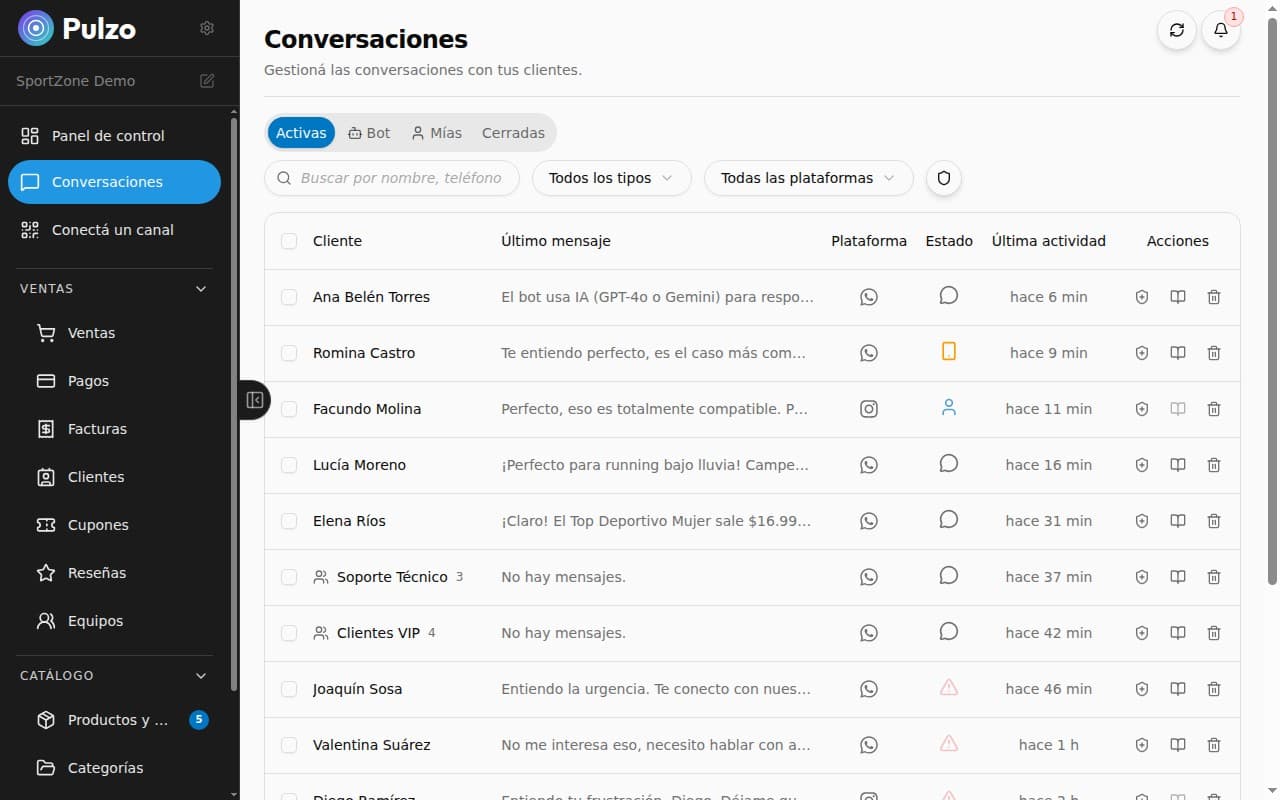
Instagram Sales Bot: Complete Guide
Everything you need to know to set up a sales bot on Instagram. Automate DMs, respond to inquiries, and close sales from your Instagram profile.
Instagram has become one of the most powerful platforms for selling products. With over 2 billion active users, it's where brands connect with their customers visually.
But managing Instagram DMs when you have hundreds of daily inquiries is an enormous challenge.
The Problem with Selling via Instagram DMs
If you sell on Instagram, you probably recognize these scenarios:
- You post a story with a product and get 50 DMs asking for the price
- You answer the same question over and over: "yes, it's in stock", "free shipping over $X"
- You forget to reply to someone and lose the sale
- You have no way to know how many inquiries actually convert to purchases
An Instagram sales bot solves these problems by automating responses without you losing control of the conversation.
How an Instagram AI Bot Works
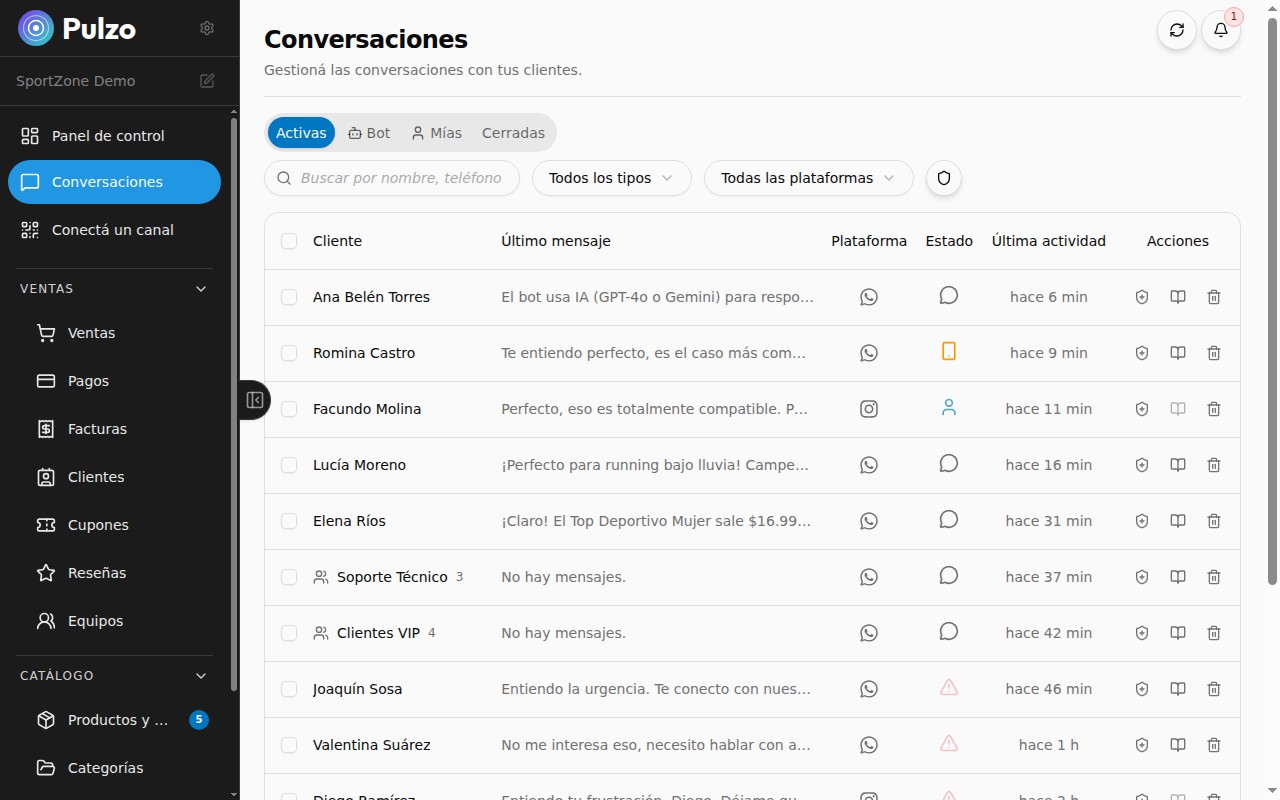
Unlike Instagram's basic auto-replies (which only send a predefined message), an AI bot can hold real conversations.
Key Capabilities
- Understands natural language questions — "how much is the black t-shirt size M?" and the bot responds with the exact price
- Shows products from your catalog — sends photos, description, and price directly in the DM
- Manages the cart — the customer can add products and the bot keeps track
- Generates payment links — when the customer is ready, the bot creates a secure payment link
- Escalates to a human — if the query is complex, it transfers the conversation to the seller
Automatic Triggers
The bot can activate automatically when:
- Someone replies to a story (Story Reply)
- Someone sends a DM with a keyword
- Someone comments on a post and the bot replies via DM
Step-by-Step Setup
Step 1: Connect Your Instagram Business Account
You need an Instagram Business account (not personal). If you still have a personal account, convert it from Instagram settings. It's free and takes 2 minutes.
Step 2: Authorize the Integration
From the automation platform, connect your Instagram using Meta's official login. This ensures the integration is secure and complies with Instagram's policies.
Step 3: Upload Your Catalog
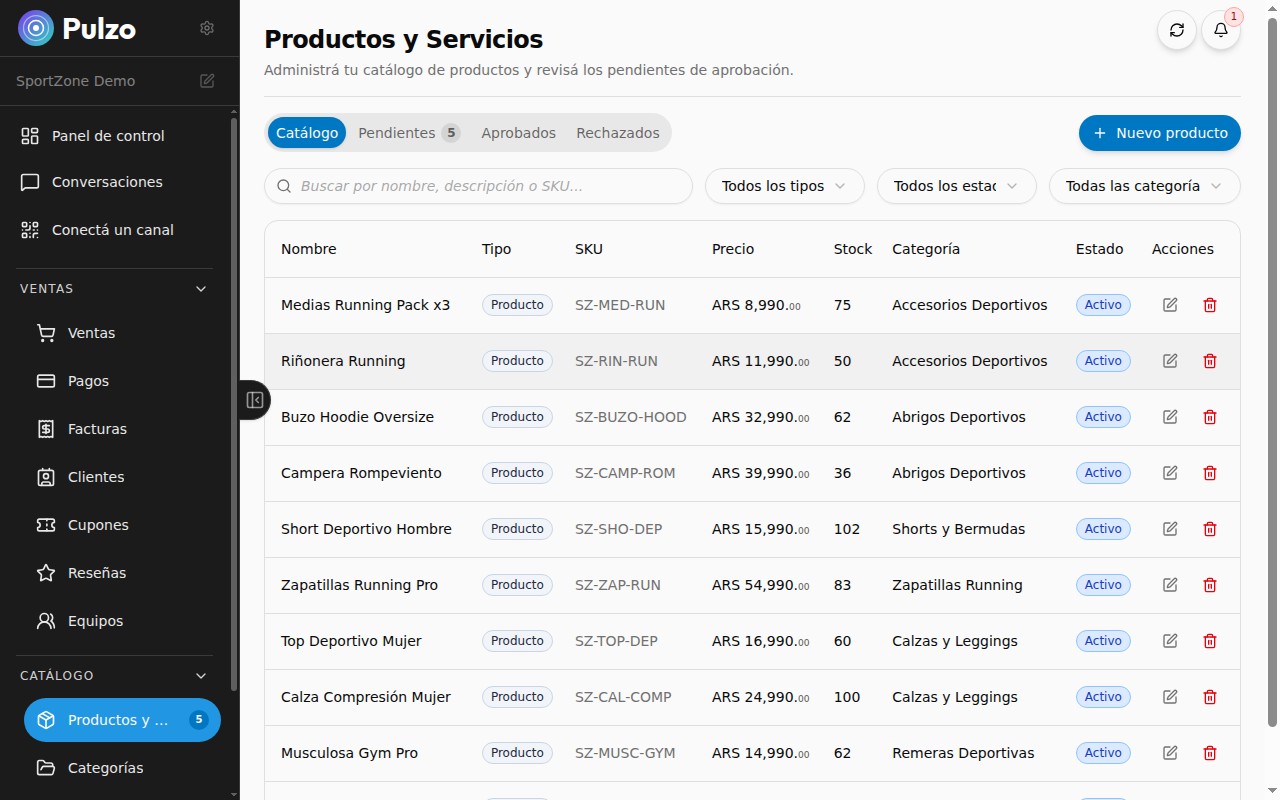
Upload your products with photos, prices, descriptions, and variants. The more complete your catalog, the better the bot's responses will be.
Step 4: Configure the Bot's Personality
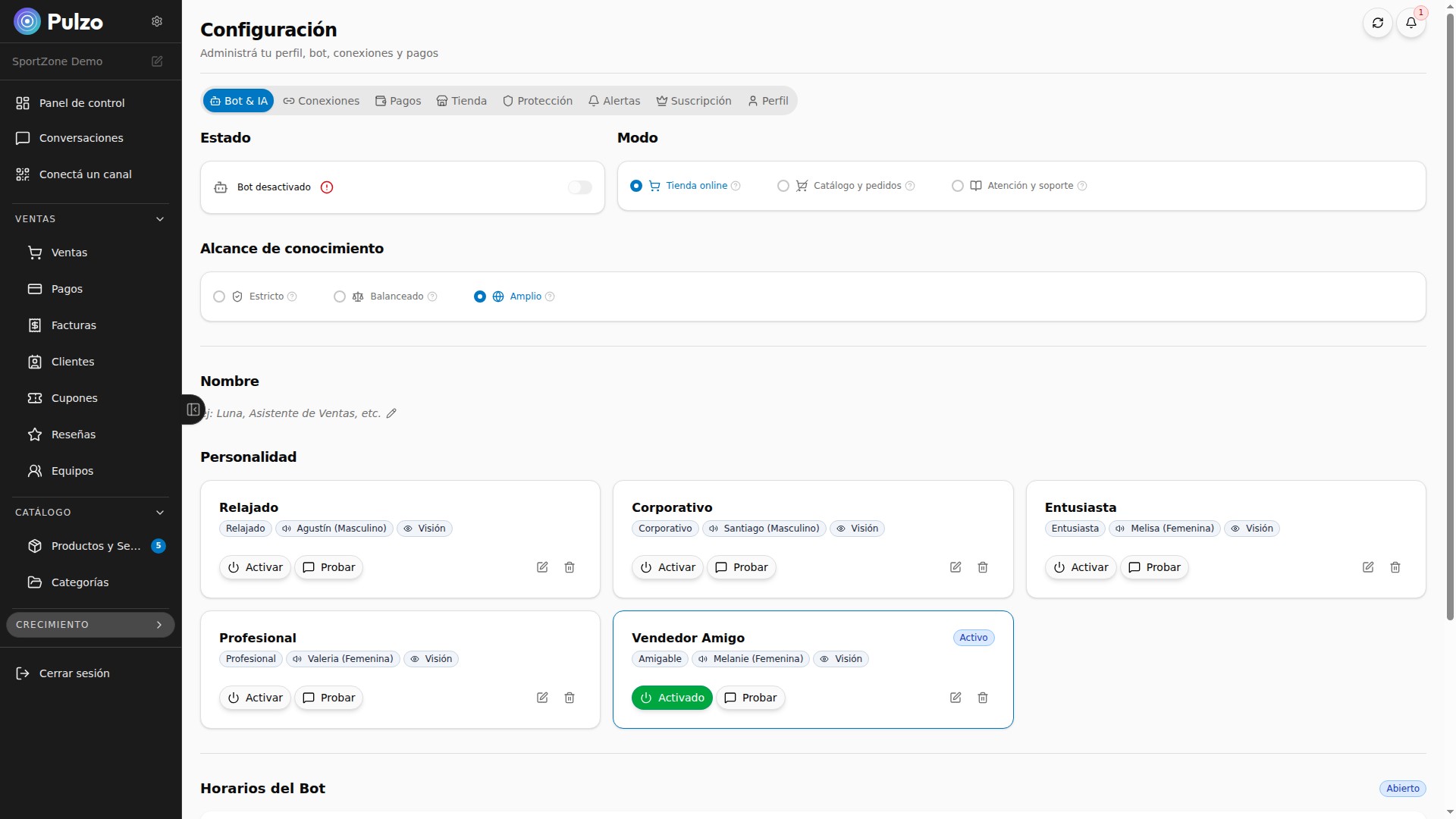
Define how you want your bot to talk. If your brand is youthful and casual, set that tone. You can use emojis, local slang, and expressions that represent your brand.
Step 5: Set Up Quick Replies
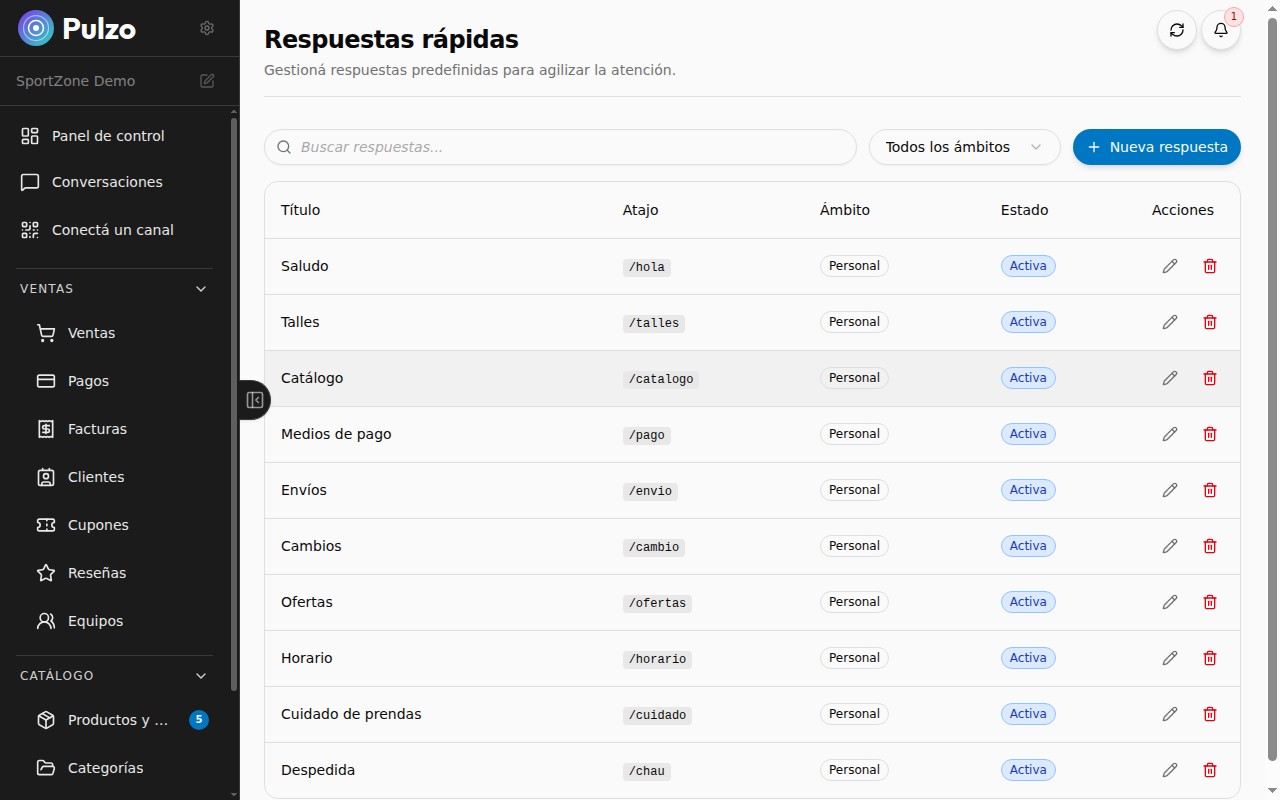
For the most frequently asked questions, create predefined answers the bot can send instantly:
- Shipping policy and delivery times
- Accepted payment methods
- Returns and exchange policy
- Business hours
Step 6: Activate and Monitor
Once active, monitor the first conversations to make sure the bot responds correctly. Adjust as needed.
Best Practices
Don't Hide That It's a Bot
Users appreciate transparency. A well-configured bot that responds instantly is better than a human who takes 3 hours.
Always Offer the Option to Talk to a Human
Some customers prefer speaking with a person. Make sure the bot can transfer the conversation easily.
Keep Your Catalog Updated
A bot offering out-of-stock products generates frustration. Sync your catalog so it always shows current information.
Leverage Your Metrics
Analyze how many conversations convert to sales, what the most frequent questions are, and where customers drop off. Use that data to continuously improve.
Instagram vs WhatsApp: Which Is Better for Selling?
It's not about one or the other — it's about using both strategically:
| Channel | Best for | |---|---| | Instagram | Attracting new customers through visual content (Reels, Stories, Posts) | | WhatsApp | Closing sales and maintaining post-sale relationships |
The combination of both channels with a bot that unifies conversations is the most effective strategy. A customer can discover you on Instagram and complete the purchase on WhatsApp, or vice versa.
Expected Results
Sellers who implement an Instagram bot report:
| Metric | Result | |---|---| | DM response speed | 10x faster | | Sales from Instagram | +35% | | Time spent responding | -60% | | Customer retention | Higher due to instant experience |
Conclusion
An Instagram sales bot doesn't replace your presence on the platform — it supercharges it. You keep creating content, engaging with your community, and building your brand. But repetitive inquiries, after-hours sales, and customer follow-ups are handled by AI.
It's the smartest way to scale your Instagram sales without scaling your team.
You can try Pulzo for free and have your Instagram bot running today.
Related articles
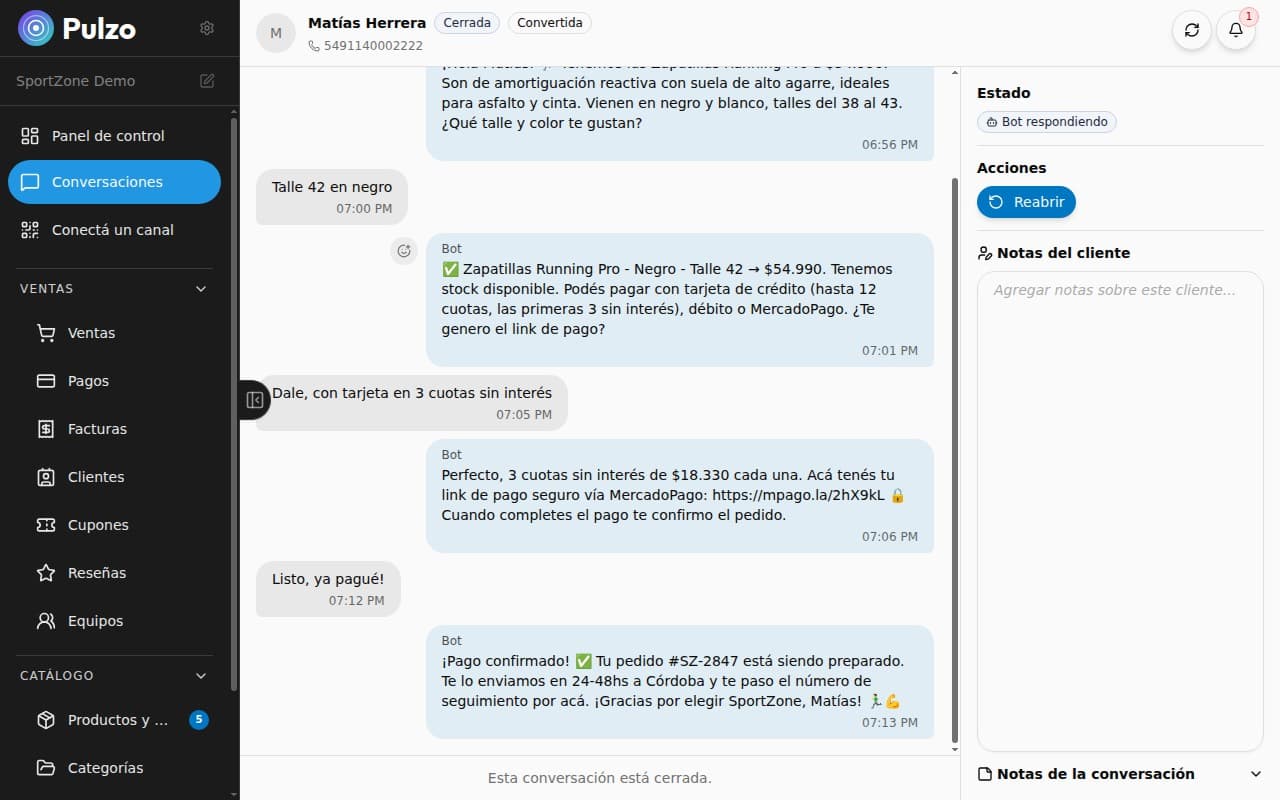
How to Automate WhatsApp Sales with AI
A practical guide to automating your WhatsApp sales process using artificial intelligence. Instant responses, integrated catalog, and automatic payments.
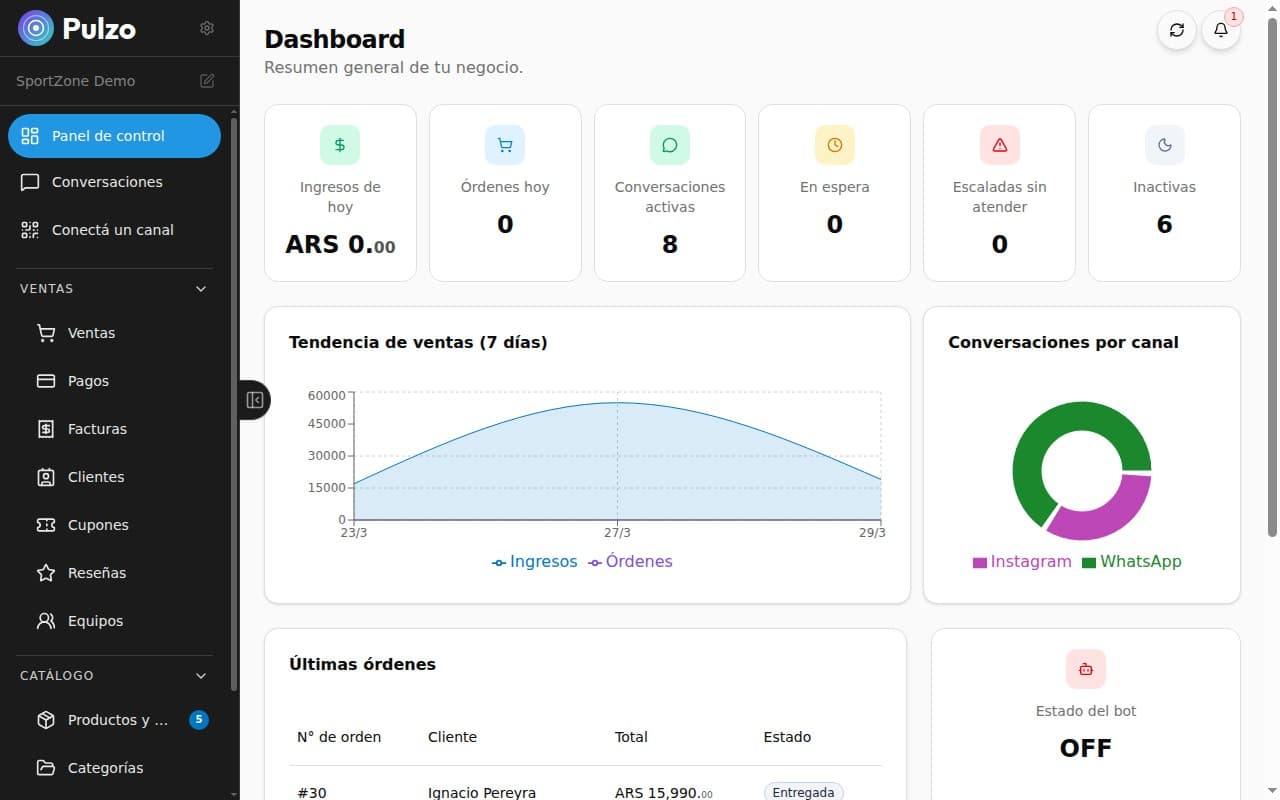
AI Sales System for Entrepreneurs
How an AI-powered sales system can transform your business. Automation, digital catalog, integrated payments, and 24/7 customer service.